How to Write a Weekly Newsletter to Parents (Without Starting from Scratch Every Time)
TL; DR
Writing a weekly classroom newsletter doesn’t have to take an hour. With templates and the “duplicate and update” method, you can keep families informed in 15 minutes or less.
Every Sunday evening, teachers across the country face the same task: writing their weekly newsletter to parents. For many, it means staring at a blank screen, wondering what to include and how to say it. Again 🤦♀️
But here’s the secret: you should never start from scratch.
The Duplicate and Update Method
The most efficient weekly teacher newsletter routine uses one simple principle: create once, duplicate forever.
Here’s how it works:
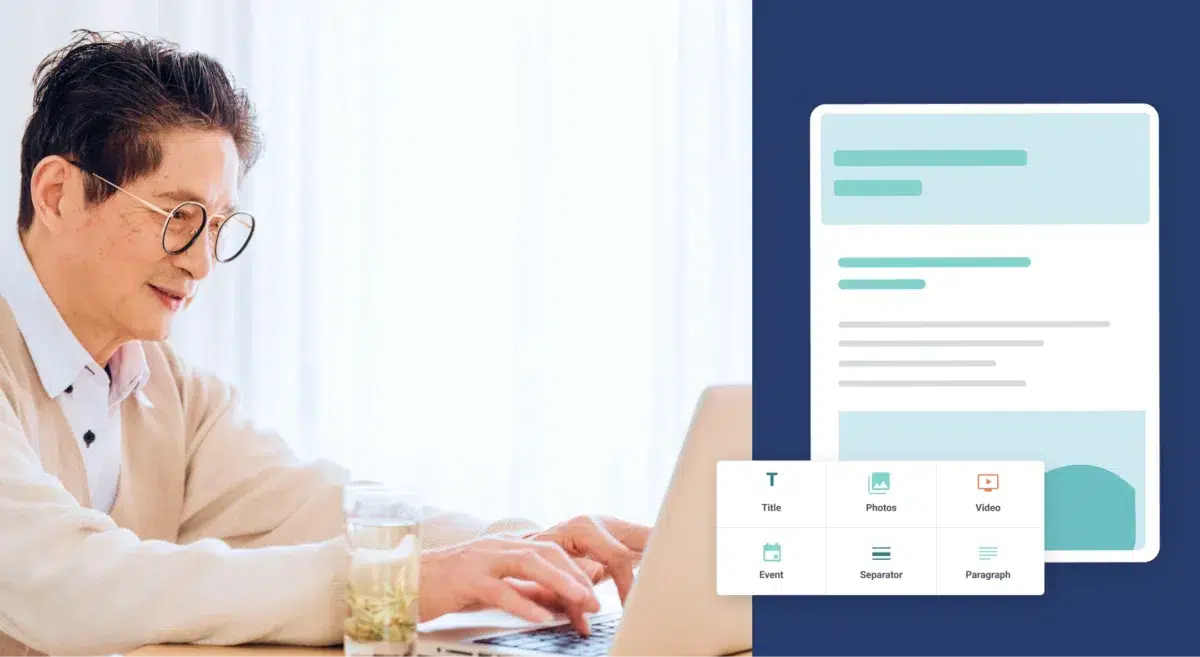
Step 1: Build your master template once. Set up your newsletter with consistent sections: this week’s learning, upcoming events, important reminders, and a home learning tip.
Step 2: Duplicate last week’s newsletter. Every week, copy your previous newsletter. Your structure, formatting, and standard content are already done.
Step 3: Update only what changed. Swap in this week’s learning highlights, new dates, and fresh photos. Keep everything else the same.
Step 4: Send
That’s it. What used to take 45 minutes now takes 15.
What Should I Include in My Weekly Teacher Newsletter?
Keep your parent newsletter template focused on these essentials:
- This week’s learning (2-3 specific highlights)
- Looking ahead (preview next week)
- Important dates (field trips, picture day, deadlines)
- Home connection (one simple way families can support learning)
Rotate in student spotlights, photos, or celebrations when you have them. But don’t feel pressure to include everything every week.
3 Simple Newsletter Formats
The Classic: Welcome → This Week → Looking Ahead → Reminders → Home Tip
Subject-Based: Organize by Reading, Math, Science, with reminders at the end
Photo-Driven: Lead with 3-5 classroom photos with captions, then add key dates
Choose one format and stick with it all year. Consistency helps families know where to find information, not to mention helps you maintain your routine.
Why Duplicate and Update Works
When you use the same structure every week:
- No formatting decisions to slow you down
- No blank page anxiety staring at an empty document
- Faster writing because you’re updating, not creating
- Consistent communication that families recognize and trust
Digital platforms like Smore make duplication especially easy with built-in “duplicate” features. But the method works with any format—email, Google Docs, even printed newsletters.
Your 15-Minute Routine
1. Duplicate last week’s newsletter (30 seconds)
2. Update dates and reminders (2 minutes)
3. Replace learning highlights (5 minutes)
4. Update next week’s preview (3 minutes)
5. Add a new photo if you have one (3 minutes)
6. Proofread and send (2 minutes)
Pick the same day and time each week. Friday afternoon or Sunday evening works well for most teachers. Protect that 15 minutes and make it routine.
Common Mistakes to Avoid
Starting over each week. Duplicate instead. There’s no reason to rebuild your structure 36 times a year.
Writing too much. Aim for content parents can read in 2-3 minutes. Shorter newsletters get read more consistently.
Skipping weeks. Even a brief update is better than silence. Consistency builds trust.
The Bottom Line
The perfect weekly classroom update is the one that actually gets sent. You’re not creating 36 unique newsletters every year—you’re creating one great template and updating it 36 times.
That small shift changes everything.
Stop staring at blank screens. Start duplicating and updating. Your Sunday nights (and your families) will thank you.
Ready to streamline your classroom communication? Explore teacher-created newsletter templates and time-saving tools that help you keep families connected without burning out.
FAQ
What should a teacher include in a weekly newsletter to parents?

How long should a weekly classroom newsletter be?
How can I make writing weekly newsletters faster?
Should I send my weekly classroom newsletter on Friday or Sunday?
Can I reuse newsletter content from last year?