The Educator’s Guide to Using GIFs, Polls, and Videos in Your Classroom Newsletters

TL; DR
Transform your classroom newsletter from text-only updates to interactive content families actually look forward to reading. By adding GIFs, polls, and embedded videos to your Smore newsletters, you’ll boost engagement rates by up to 65% while making newsletter creation more fun for you too.
It’s Wednesday evening, and you’re staring at another blank newsletter template. You know families are overwhelmed with information, and a plain-text update will likely get lost in their inbox.
Here’s the solution: make your newsletter interactive.
When you add a funny GIF that makes parents smile, a quick poll they can respond to with one click, or a 30-second video of classroom learning, your newsletter transforms from forgettable to must-read. According to engagement data, newsletters with embedded media see up to 650% higher interaction rates than text-only versions!!
Let’s break down exactly how to use these three powerful tools.
Why GIFs Make Newsletters More Engaging
GIFs add personality and humor while breaking up text and illustrating emotions your words alone can’t capture. They’re perfect for celebrating student achievements, expressing enthusiasm about upcoming events, and setting a warm, inviting tone.
Where to use them:
- Welcome section (set the tone immediately)
- Celebration sections (amplify excitement)
- Event reminders (make dates feel urgent and fun)
- Sign-off (leave a positive impression)
In Smore, adding a GIF takes seconds: click the image icon and upload it from your desktop as you would a photo (don’t have any GIFs on your desktop? Just Google, right click, and ‘save image as’)
Pro tip: Stick to 1-2 GIFs per newsletter. Think of them as seasoning, not the main ingredient.
Instead of a boring header like “Weekly Update – October 21st,” try a GIF of a cartoon character doing a happy dance with “We Had an AMAZING Week in Room 12!” That’s instantly more engaging.
How Polls Turn Readers Into Participants
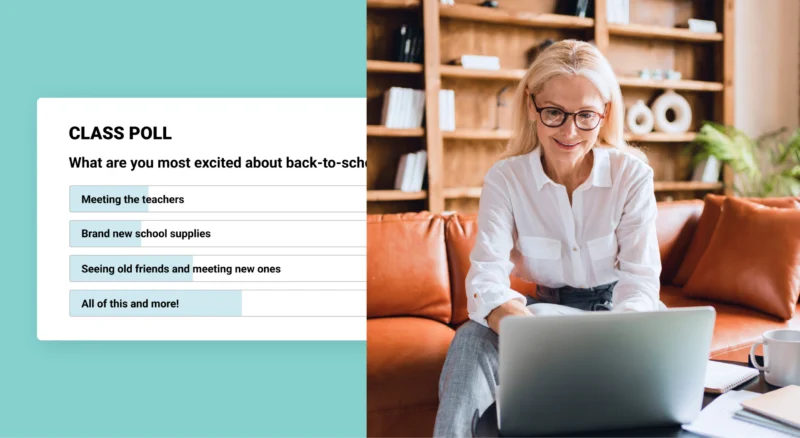
Polls are one of the most underused tools in classroom newsletters, which is a shame—because they transform passive readers into active participants with a single click.
Why families love them:
- Instant participation: One-click responses for busy parents
- They feel heard: Their input actually influences decisions
- Community building: They see they’re part of a larger classroom family
Smart poll ideas:
- “What volunteer opportunities are you interested in?”
- “Which read-aloud book should we start next month?”
- “What emoji best describes your family’s week?”
Creating a poll in Smore is easy – just click the polls icon, type your question, add 2-5 answer options, and publish.
Pro tip: Place polls near the middle or end of your newsletter, after families have read your key updates. This increases completion rates.
Why Video Brings Learning to Life
Nothing creates an emotional connection like video. A 30-second clip of students explaining their science experiment or presenting a project lets families see and feel what’s happening in your classroom in ways text can’t match.
What to share:
- Quick project presentations or demonstrations
- Science experiments in action
- Student interviews about their learning
- Morning meeting routines and celebrations
Video best practices:
- Keep it short (30 seconds to 2 minutes)
- No editing required—authentic beats polished
- Always follow your school’s media policy
- Test on mobile (most families watch there)
You can embed from YouTube, search YouTube, or link from Google Drive. Choose whatever workflow fits your routine.
The Interactive Newsletter Formula
Here’s how to combine all three elements strategically:
Opening: Warm greeting + welcoming GIF
“Happy Monday, Room 12 Families! 🎉” + celebration GIF
Main Content: Key updates + embedded video
“This week in Science…” + 45-second experiment video
Mid-Newsletter Poll: Invite family input
“Which topic should we explore next in reading?”
Closing: Reminders + encouraging GIF
“Don’t forget conference sign-ups!” + waving goodbye GIF
Avoid These Common Mistakes
Too much of a good thing: Choose 2-3 interactive elements per newsletter, not 15. Quality over quantity.
Irrelevant media: Every element should support your message. If it doesn’t help families understand or engage, cut it.
Forgetting mobile: Preview on a phone before sending—most families will read there.
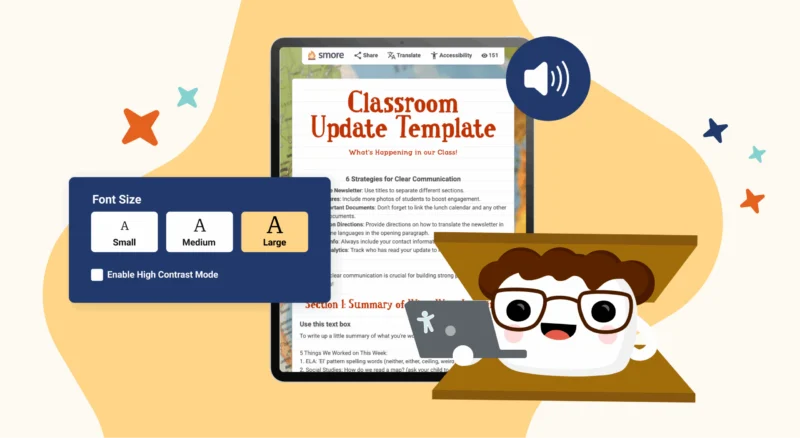
Skipping accessibility: Use alt text and captions so all families can engage with your content.
Make It Part of Your Routine
The secret to sustainable newsletters is routine.
Quick workflow:
- Set a consistent newsletter day (many teachers choose Thursday or Friday)
- Capture 30-second videos throughout the week when you see great learning moments
- Use a Smore template with your standard sections that you duplicate weekly
- Drop in your media, write your updates, and send
Once you have your system, most teachers spend just 20-30 minutes creating their weekly interactive newsletter.
Start This Week
This week, try adding just one interactive element. Maybe try a celebratory GIF or a quick poll about an upcoming event. Check your analytics to see how families engage, then build from there.
The families in your classroom are already overwhelmed with information. By making your newsletter interactive and genuinely enjoyable, you’re cutting through the inbox noise.
FAQ
How often should I send interactive newsletters?

Do I need special equipment to create videos?
What if families don't respond to polls?
How long does it take to create an interactive newsletter?
What if my school has strict media policies about student images?
Should every newsletter have all three elements (GIF, poll, and video)?
How do I get families to actually open my newsletters?