Accessibility in School Newsletters: What District Leaders Need to Know
TL; DR:
Accessible newsletters help every family stay informed, build trust, and support student success. Clear design, readable text, translation, and mobile-friendly layouts make a strong impact.
Accessibility starts with connection
District leaders know communication drives everything, from family engagement to attendance. If families cannot access your message, they cannot act on it.
Accessibility in digital newsletters ensures every family can read, understand, and engage with your updates, regardless of language, device, or ability. When communication works for everyone, students stay more connected and supported.
What “accessible” means in K–12 communication
Accessibility can feel technical. In practice, it comes down to clarity, readability, and inclusion.
Think:
- Simple, scannable layouts
- Clear headings and short paragraphs
- Readable font sizes that work across devices
- Strong color contrast for text and backgrounds
- Translation for multilingual families
- Visuals that support meaning
Design choices matter here. Text that feels too small or colors that blend together can make content difficult to read for many families, especially on mobile devices.
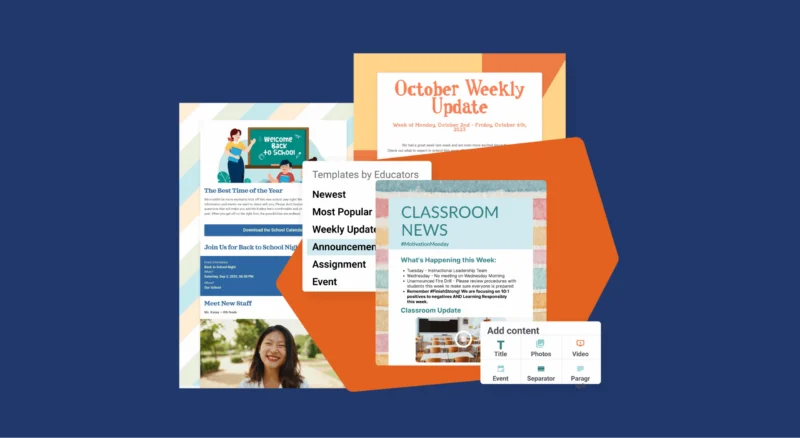
The good news: the right tools make it easy to use accessible color palettes and flexible text sizing, so every message stays readable and inclusive from the start.
Why accessibility matters for districts
Accessibility strengthens communication across your entire district.
When districts prioritize accessibility, they:
- Reach more families across languages and devices
- Reduce confusion and repeated questions
- Build stronger trust with their community
- Support better attendance and student outcomes
Strong school to family communication supports engagement, behavior, and academic success.
Common barriers and quick fixes
Even experienced teams run into accessibility gaps. Here are a few common ones:
Barrier: Long, text-heavy updates
Fix: Break content into sections with clear headers and visuals
Barrier: One-channel communication
Fix: Share newsletters through email, text, and web
Barrier: Limited language access
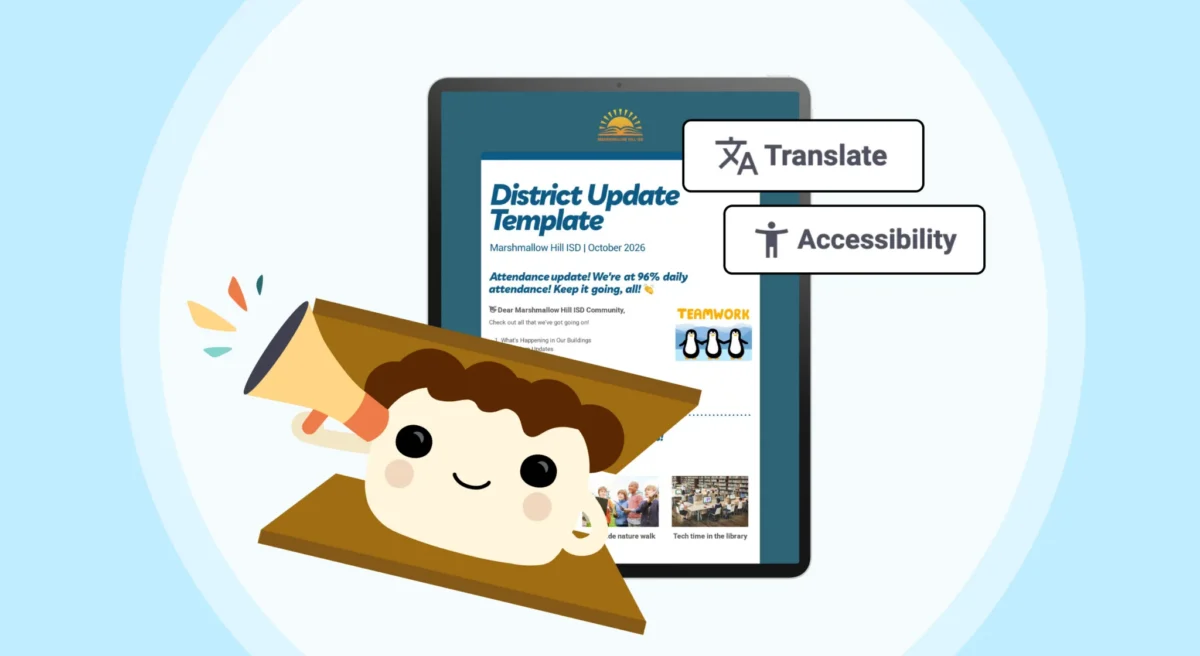
Fix: Use tools with built-in translation
Barrier: Inconsistent formatting across schools
Fix: Use shared templates to create a unified experience
Quick win: Start with one template your entire district can use. Consistency helps families know what to expect and where to find key information.
Build accessibility into your system
The most effective districts treat accessibility as part of their communication system.
That includes:
- Clear guidelines for staff
- Tools that support translation and mobile access
- Engagement tracking to understand what works
- Design standards for text size, color contrast, and layout
- A consistent rhythm families can rely on
Families feel like partners when communication stays accessible, consistent, and welcoming. Families who feel like they are being seen stay engaged.
FAQs
What are accessibility standards for school newsletters?

Why is accessibility important for district communication?
How can districts improve newsletter accessibility quickly?
What design choices improve accessibility in newsletters?
Do accessible newsletters improve engagement?