Beyond Translation: How to Reach Every Multilingual Family
TL;DR:
Translation helps ensure every family can read your message in their home language. But translation alone doesn’t create the best experience. Educators also need to write plainly, add context about how school works, and use different channels to reach every household.
Imagine you’re a family new to a district. You open this week’s newsletter and tap Translate. The page now reads in Spanish. Great! But you still need to work out what “early dismissal Wednesday” means, why the PTA wants volunteers, and who to call with a question.
Translation gets your message into the right language. The practices below help families truly understand information and act on it.
Start With Translation
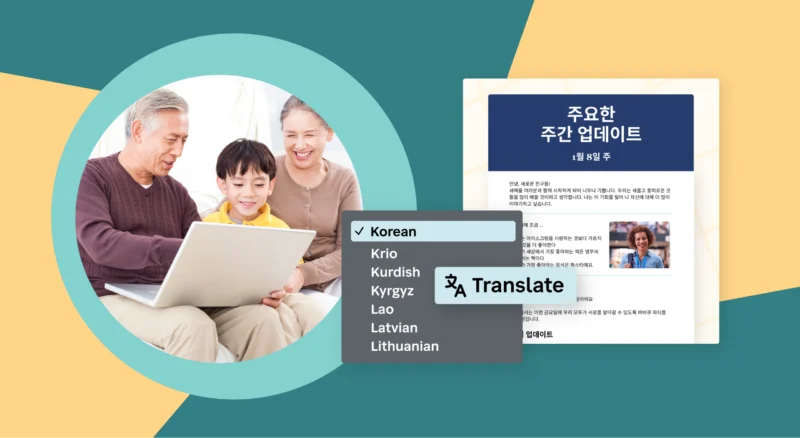
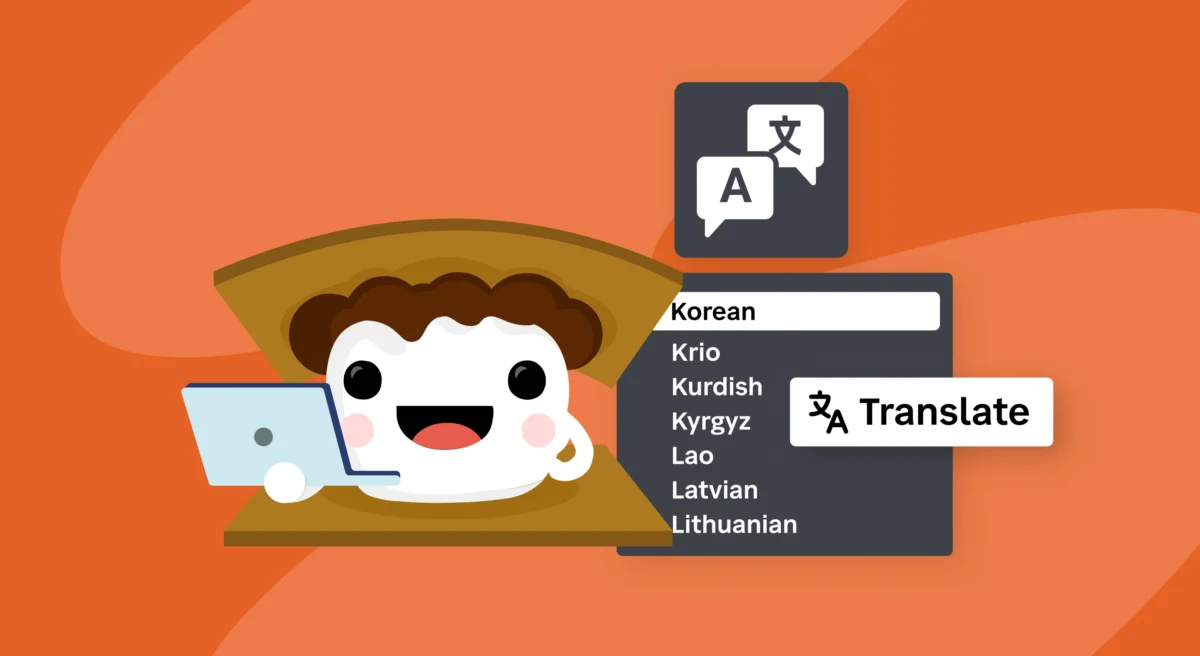
Families can’t engage with information they can’t read, so translation is the foundation. In Smore, families choose from 130+ languages in a menu at the top of any newsletter. We recommend adding a short note at the top of each issue, so families know the option is there. Staff can also preview any newsletter in a different language to ensure it reads clearly.
Write for the Translation Tool and the Reader
Machine translation handles clear, direct sentences best, but idioms and school shorthand can often come through garbled. Here are a few habits that help keep your meaning intact:
- Swap idioms for plain verbs. “Touch base” becomes “talk” or “meet”
- Spell out acronyms. Write out IEP and PTA the first time they appear in each issue
- Keep sentences short. One idea per sentence translates more accurately
- Use one date format. Pick a style, like Friday, Oct. 3, and use it every time
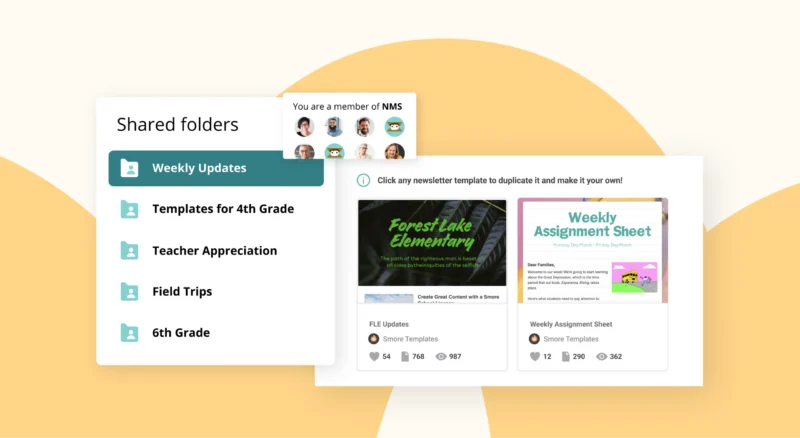
With Smore for Teams, build these habits into a shared district template so every school and classroom newsletter starts from the same translation-friendly structure.
Explain How School Works
Many families are learning a new school system along with a new language. A translated invitation to conference night still leaves open questions: how long it lasts, whether children attend, and whether an interpreter will be there.
Add a sentence of context for events and routines families may not know, such as early release days or spirit week. A short glossary of common school terms, linked in every issue, helps new families get their bearings. Smore’s Using Translation template can give you a starting point.
Use Visuals to Carry the Message
Photos and maps help families follow along even when a translation is imperfect. A photo of the front office entrance does more work than a paragraph of directions. Keep recurring sections, like key dates, in the same spot every issue, so families know where to look.
Reach Families on More Than One Channel
Some family members speak a language fluently but read it less comfortably, and many check texts more often than email. Pair the newsletter with a text or a phone call for anything urgent, and share the newsletter link where families already gather, like a class group chat.
Make It Easy for Families to Answer Back
Engagement runs in both directions. Invite replies in any language – or use our poll feature – and tell families who will read them. Bilingual staff and family liaisons can turn a single question into an ongoing conversation, and quick polls or RSVP buttons give families a fast way to respond.
Communications teams in Arlington Heights and Weymouth made regular feedback from multilingual families part of their process. Read more about how they did it.
Track Who You’re Reaching
Smore’s analytics show open rates and reading time for every newsletter. Review those numbers alongside your family language data, and follow up by phone or text with households that aren’t opening. With Smore for Teams, districtwide reports show which schools and educators are reaching families and which need an extra hand.
Every Family, Every Issue
Translation gives every family access to your newsletter. Plain writing and an easy way to reply turn that access into engagement. Smore for Teams brings translation, accessibility, and districtwide analytics together in one place.
See how Smore helps you reach every family Book a Smore for Teams demo
FAQ:
Is Machine Translation Accurate Enough for School Newsletters?

How Do We Find Out Which Languages Our Families Speak?
Should We Send a Separate Newsletter for Each Language?
What If Families Don’t Have Reliable Internet Access?
How Do Families Know Translation Is Available?