New Smore Updates That Make Your School Newsletters Even Better
Over the past few months, our team has focused on updates that help you communicate with families with more clarity, consistency, and accessibility. We have more improvements on the way, but what we’ve already released gives you powerful tools to create clear and engaging newsletters. Take a look below for everything new:
🎨 More Brand Kits
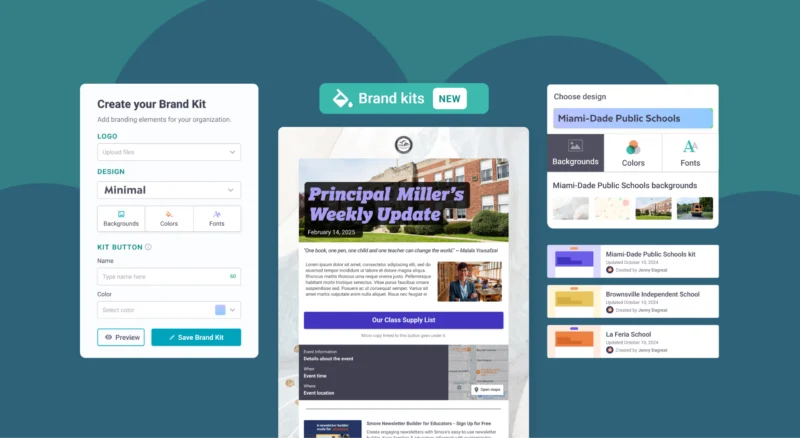
As part of our Back to School work, we released Brand Kits. Brand Kits allow administrators on Smore for Teams accounts to set pre-defined colors, logos, fonts, and background images for everyone on the account to use. For school and district leaders trying to create a distinct brand, this update was huge! In fact, it was so huge that our initial limit of fifteen Brand Kits per account wasn’t nearly enough.
Good news: We’ve upped the limit to 100!
With this change, you can create a kit for every school in your district and still have room for grade-level themes, sports teams, magnet programs, or major events.
We’re so excited to get this highly requested change out there. And we can’t wait to see all of the ways you all use Brand Kits to establish clear visual identities for each of your newsletters.
⌨️ WCAG 2.1 AA Accessibility
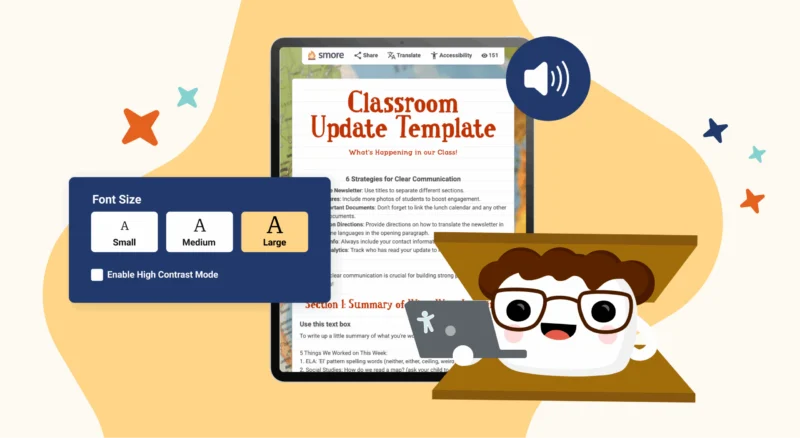
We have always worked to make newsletters readable for every family. This year, we went even further. Smore is now WCAG 2.1 AA compliant for both creators and readers.
With this update, readers who rely on screen readers, keyboard navigation, or high-contrast settings can access your newsletters with confidence. Creators can also add alt text and use other accessibility tools without extra steps.
This may be one of the most important updates for Smore. Our team adopting a higher standard of accessibility means more people can create newsletters and more people can engage with your updates meaningfully.
📲 A Mobile-Friendly Table of Contents
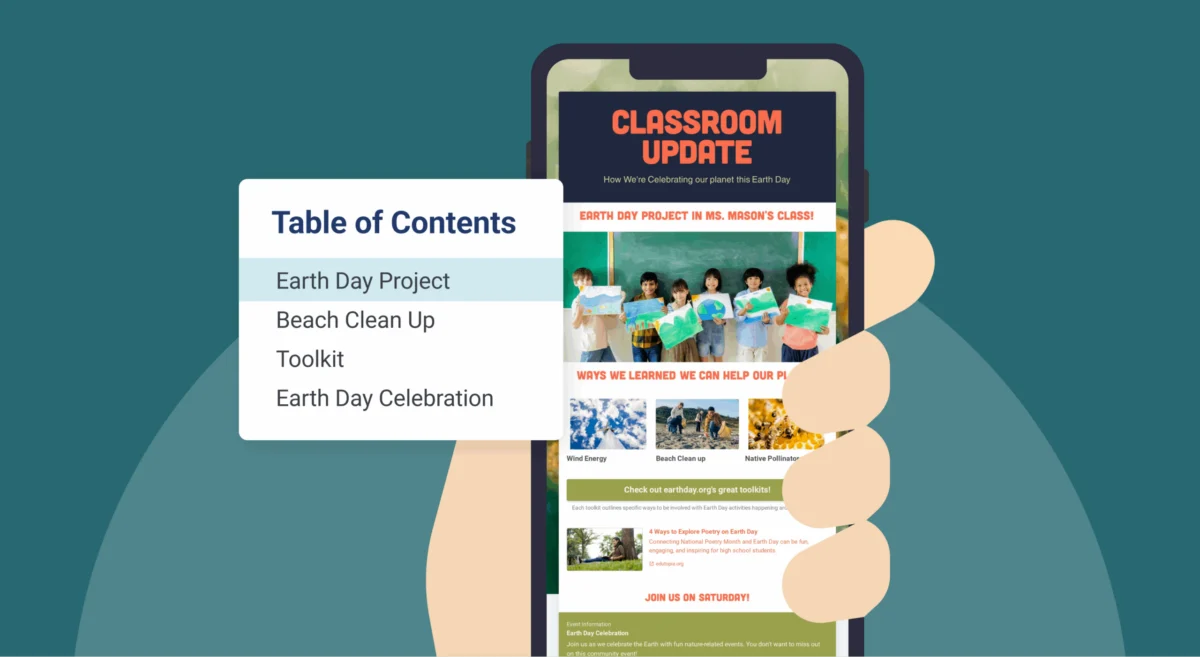
One of the biggest shifts in school communication is how families consume information. Most families read school updates on the go, often on their phones between appointments, work, and after-school activities. To support this, we’ve made the Smore Table of Contents available for readers on mobile devices.
Now, when someone opens your newsletter on a phone, they can tap the Table of Contents icon and jump straight to the section they need. Whether parents want quick access to upcoming events, testing reminders, or important deadlines, the mobile Table of Contents helps them get there fast.
Why These Updates Matter
Clear, accessible communication builds trust with families. Our newest features help you share updates quickly while keeping your newsletters consistent and easy to read. Every family can access information on any device, and every newsletter reflects the strong brand you want for your schools.
FAQ
What is Smore for Teams?

How do I use Smore’s accessibility features?
Are Smore’s newsletters mobile-friendly?